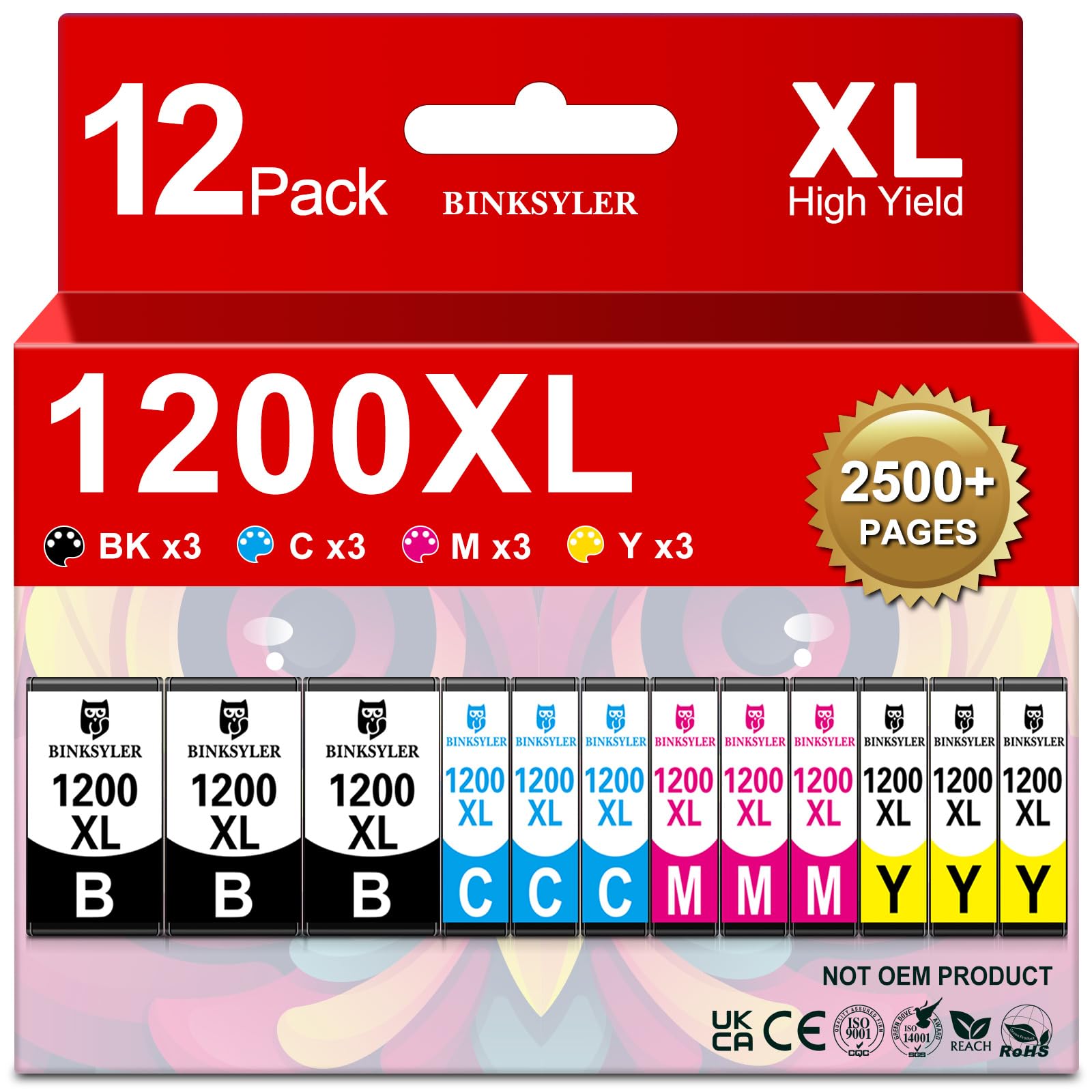
Sold as 12/Pack, 3 Sets What is Included: 3 x 1200XL Black ink cartridges, 3 x 1200XL Cyan ink cartridges, 3 x 1200XL Magenta ink cartridges, 3 x 1200XL Yellow ink cartridges, 1 x User Guide (total 12 Pack Maxify 1200XL ink cartridges). 100% Compatible for Printer: Canon Maxify MB2020 MB2320 MB2120 MB2720 MB2350 MB2050 Inkjet Printer. Higher Page Yield: Approx. 2500 pages per PGI-1200XL Black ink cartridge, 1500 pages per PGI-1200XL C/M/Y ink cartridge (at 5% coverage of A4/Letter Paper). Print Effect: High-quality 1200XL PIGMENT ink can provide sharp text, rich black and vivid color with consistency, high saturation and high resolution. Reliable Quality: All Maxify 1200XL ink cartridges are manufactured in ISO9001 & ISO14001 factory standard and certificated by REACH, RoHS, CE standard. Each 1200xl ink cartridge is strictly tested before leaving the factory, with a shelf life of 24 months. BINKSYLER Compatible Maxify 1200xl Ink Cartridges Replacement for Canon PGI-1200XL PGI 1200 XL (3BK 3C 3M 3Y) 12 Pack Package Including: 3 x 1200xl Black, 3 x 1200xl Cyan, 3 x 1200xl Magenta, 3 x 1200xl Yellow, 1 x User Guide Extra High Page Yield: Approx. 1250 pages per 1200xl Black ink cartridge and 1100 pages per 1100 C/M/Y ink cartridge (at 5% coverage of A4 paper) Compatible for Printers: Canon Maxify Series Printer: Maxify MB2720, Maxify MB2320 Maxify MB2120, Maxify MB2020 Maxify MB2350, Maxify MB2050 Warm Tips: please check the printer model firstly before placing an order. Why Choose BINKSYLER Maxify 1200xl Ink Cartridges? ①With HI-Tech smart ink Chip, Maxify 1200xl ink cartridges are perfectly 100% compatible with the prescribed printer and display the ink level accurately. ②Exclusively formulated ink can prevent corrosion and clogging of the printhead and provide sharp text, rich black and vivid color. ③Maxify 1200XL ink catridges use green pollution-free and harmless materials to protect our living environment. Easy to Install: Step-1 Tear off the color tape. Step-2 Install into the correct color slot until it clicks into place. Note-1 Do Not remove the protective seals covering the ink ports. Note-2: Do Not touch the ink chip. Notice: 1. Please replace ink cartridges ONLY when the ink cartridges marked with 'X' or "!" above their ink level. 2. If line or blurry happens, try to realign your printhead, clean the printhead and nozzle check for 1-2 times to get sharp text and vivid images.